Create All Price Lists
Create All Price Lists
Application > Master Data Management > Pricing > Create All Price Lists
Overview
On daily sales, especially on retail and distribution, price lists are very important. Therefore, Etendo includes plenty of information to manage and update price list versions per business partner.
This functionality includes different price lists, price list versions per each price list and price list schemes. Have a look at these concepts to better understand Create all Price Lists functionality.
Etendo allows hierarchical price list structure and this hierarchy is based on price list schemes.
Functionality
Follow this example about what Create all Price Lists is used for:
Example 1:
Imagine you own a bakery and you sell different bread types to different customers. You may have French bread, rolls, bagels, etc. And for each type you may have different sizes small, medium and extra.
You use a main price list (with a price list version) containing a price per bread when they are medium size. Based on this price list we build 2 other price lists applying a price list schema. For small bread, 5% off and for extra breads 4% more. This way, you will be able to manage price updates easily. Suppose flour price rises 10%, and you want to increase all prices for all breads. You could follow this steps:
- Create a new price list schema increasing the price 10%.
- Create a new version for the main price list, based on the new price list schema.
- Regenerate all price lists based on the main price list automatically. For this third step, you may use the Create All Price Lists feature.
Process
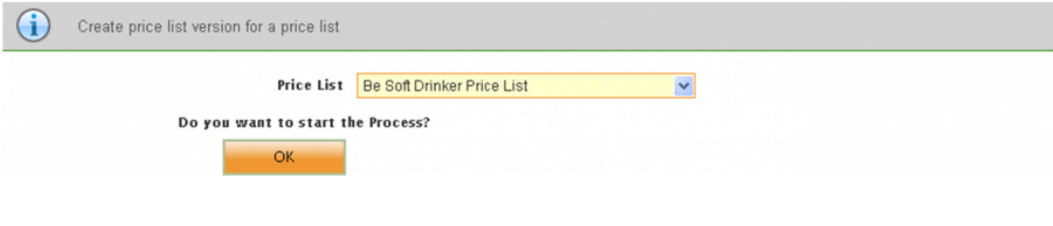
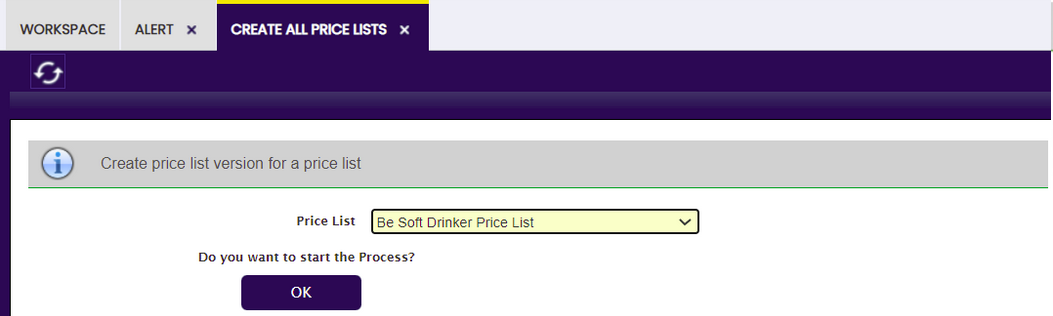
The Create All Price Lists generates all price lists pending from the selected price list. The process checks for all child price lists, and applying the defined price list schema, it generates a new version for each price list.
This work is a derivative of Master Data Management by Openbravo Wiki, used under CC BY-SA 2.5 ES. This work is licensed under CC BY-SA 2.5 by Etendo.