Business Partner General View
Application > Master Data Management > Business Partner General View
Info
To be able to include this functionality, the Advanced Business Partner module of the Essentials Bundle must be installed. To do that, follow the instructions from the marketplace: Advanced Business Partner. For more information about the available versions, core compatibility and new features, visit Essentials Extensions - Release notes.
Overview
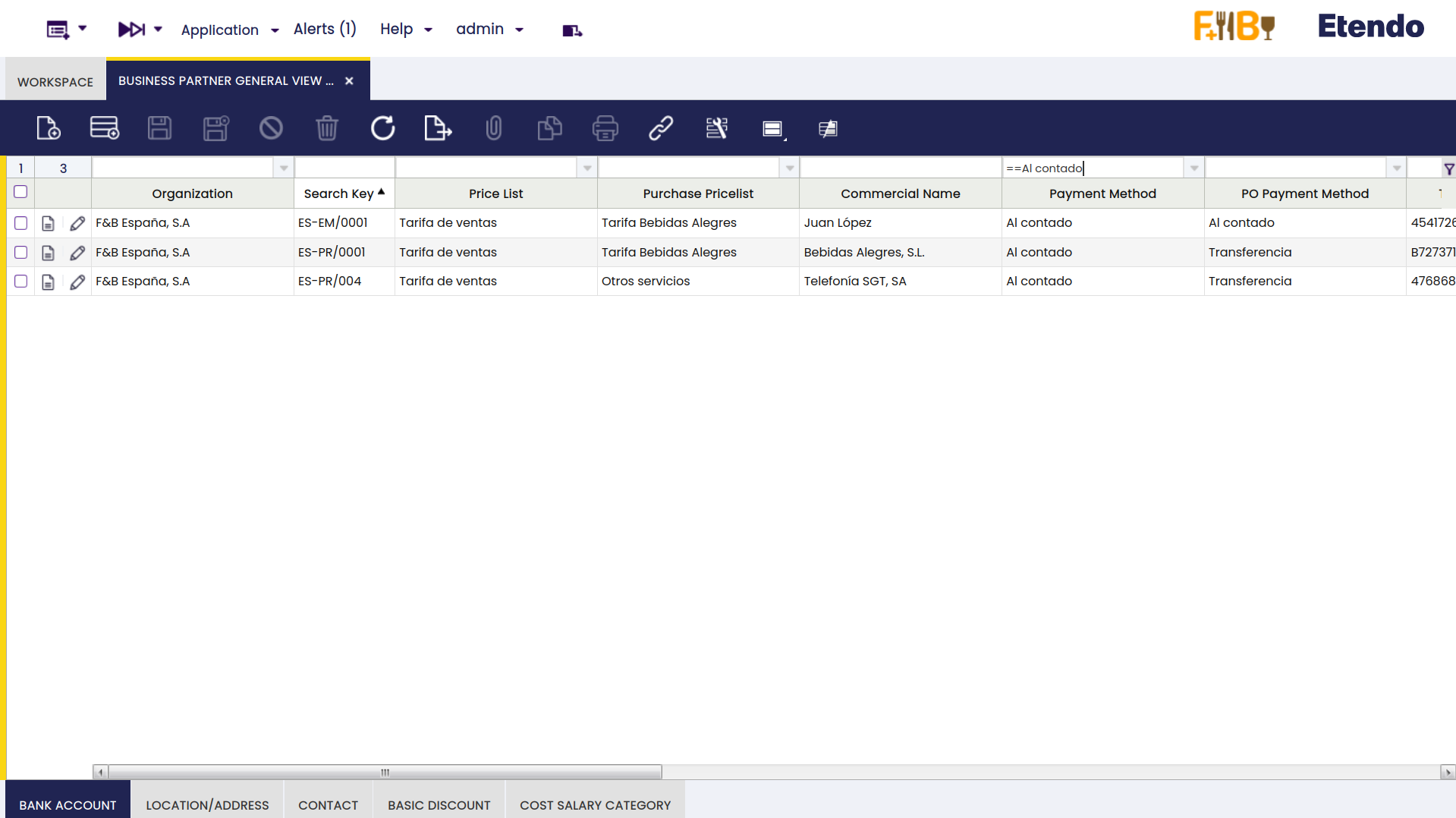
The Business Partner General View window consolidates all business partner data — customer, vendor/creditor and employee information — into a single screen. In the standard Business Partner window, this information is split across multiple tabs. This window brings it together in one view, making it faster to read, compare and edit records. It also supports full grid editing, allowing records to be created, modified and filtered directly from the list.
Info
For full documentation of this window, visit Advanced Business Partner — Business Partner General View.
This work is licensed under CC BY-SA 2.5 ES by Futit Services S.L.