Overview
Overview
This section describes the different windows that are necessary to set up the sales process in Etendo. These are:
Condition of the goods
Application > Sales Management > Setup > Condition of the goods
In this window, the user defines in which status the goods come from the customer. These values are used in the Return Material Receipt window.

Sales Region
Application > Sales Management > Setup > Sales Region
In this section, the user can create sales regions to be used in sales operations and define a sales region to be used in the sales process.

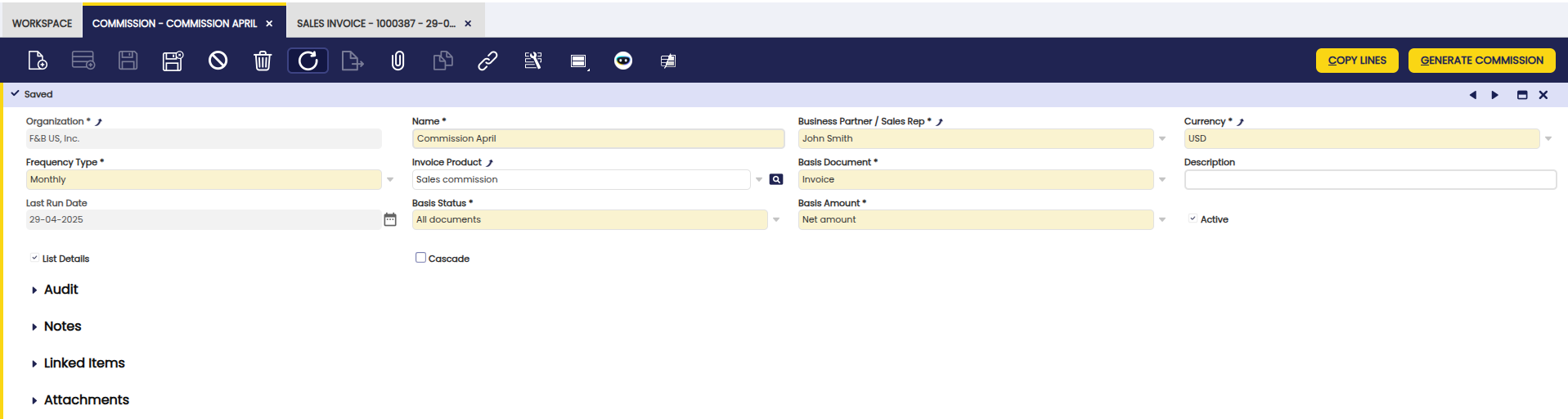
Commission
Application > Sales Management > Setup > Commission
In this window, users can configure commission plans for sales representatives. The Commission functionality allows defining how and when commissions are calculated, and to whom they are paid. Commissions can be calculated based on net sales amount or profit margins, with support for complex scenarios through filters by business partner, product, or region.
For detailed information about commission configuration, calculation methods, and examples, see the Commission section.
Channel
Application > Sales Management > Setup > Channel
In this section, the user can create specific sales channels to be used in sales operations and define a sales channel to be used in the sales process.

Sales Campaign
Application > Sales Management > Setup > Sales Campaign
In this section, the user can create specific sales campaigns to be used in sales operations and define a sales campaign to be used in the sales process.

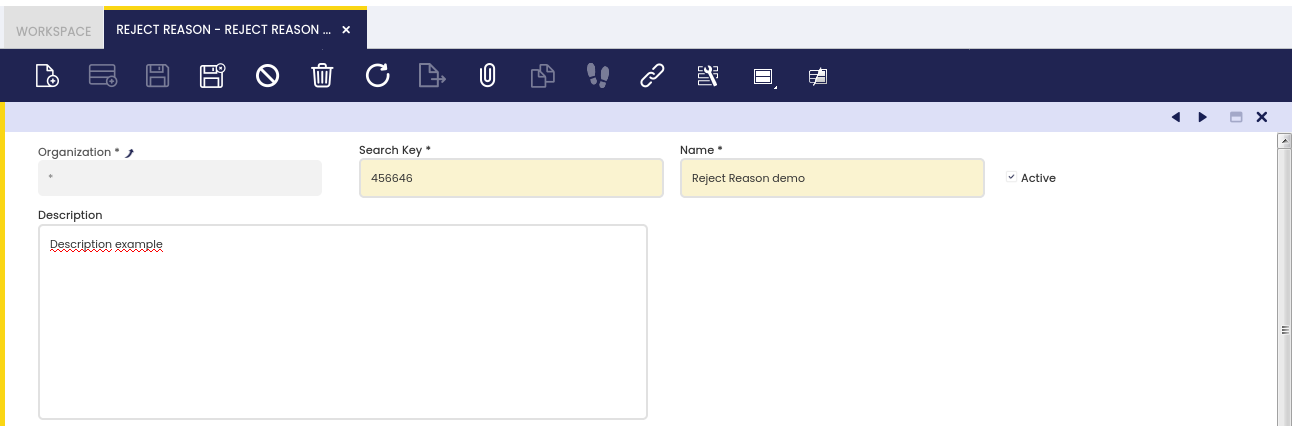
Reject Reason
Application > Sales Management > Setup > Reject Reason
In this window, the user defines the reasons to reject quotations. These values are used in the Sales Quotation window.
This work is a derivative of Sales Management by Openbravo Wiki, used under CC BY-SA 2.5 ES. This work is licensed under CC BY-SA 2.5 by Etendo.